Bugs

App window inactive

1y agoCompleted

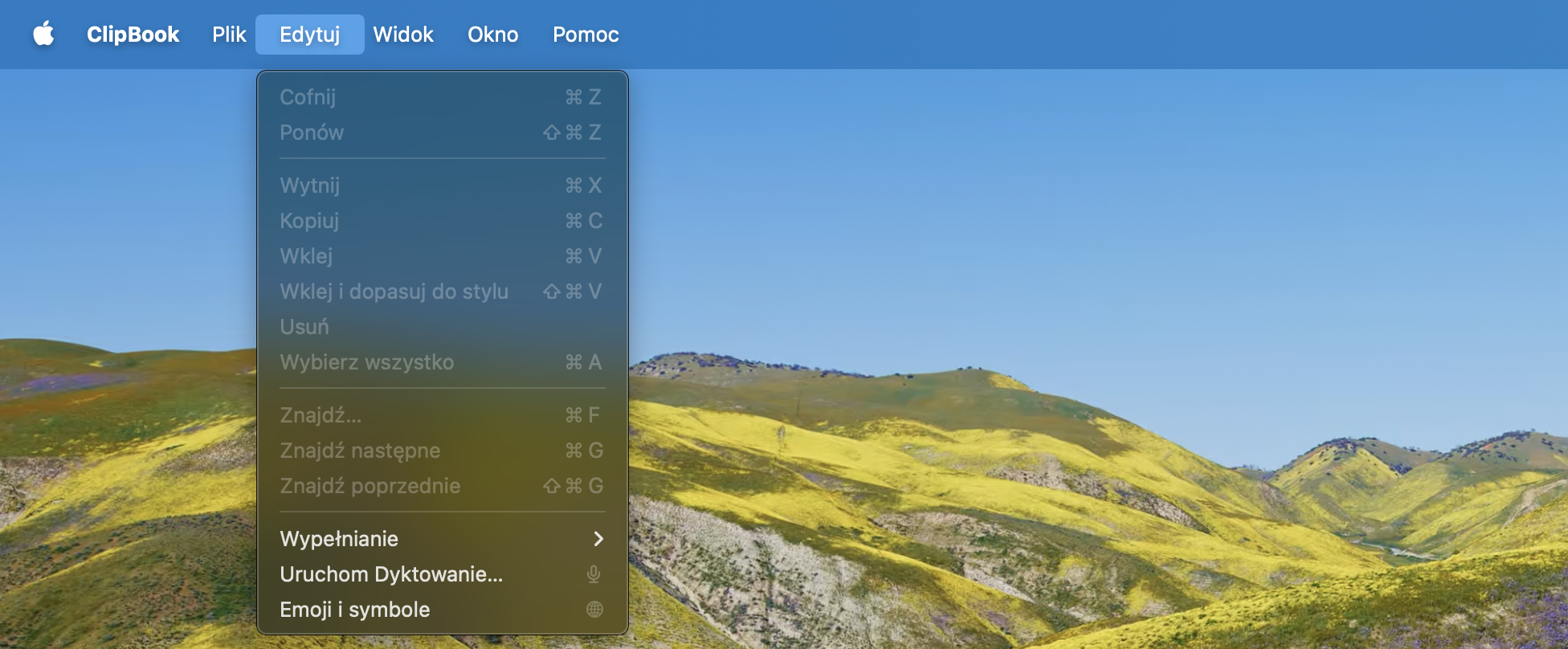
After I deactivated "show icon in menu bar" option, I am unable to use the app. The window does not show up, restarting, redownloading & reinstallation do not work. I can't access the settings with any of the listed options (i.e. cmd + ,). What is worth noting, I am using the app with an account not having admin privileges (used to do that before and I am not going to change that due to safety reasons).

  • img/pus8l1z5z0aohkanahgu51to
  • img/jouaxd7eh60i4bw39i0ofot3
  • img/jwh04lxvqkpxjl19tjj13fai
  • img/hppxhknhgcwopnaf4j4s8v1e

1 comment

  1. You can always open ClipBook using the global Cmd+Shift+V shortcut and then press Cmd+, to open Settings. ClipBook is a background application that is not visible when you press Cmd+TAB and there's no app icon in the Dock. Just remember the default Open ClipBook shortcut (Cmd+Shift+V) if you don't change it or keep the app icon visible in the menu bar.